

Mi Account Bypass / Remove Permanently Without PC Free All Models Unlock New 100% Working
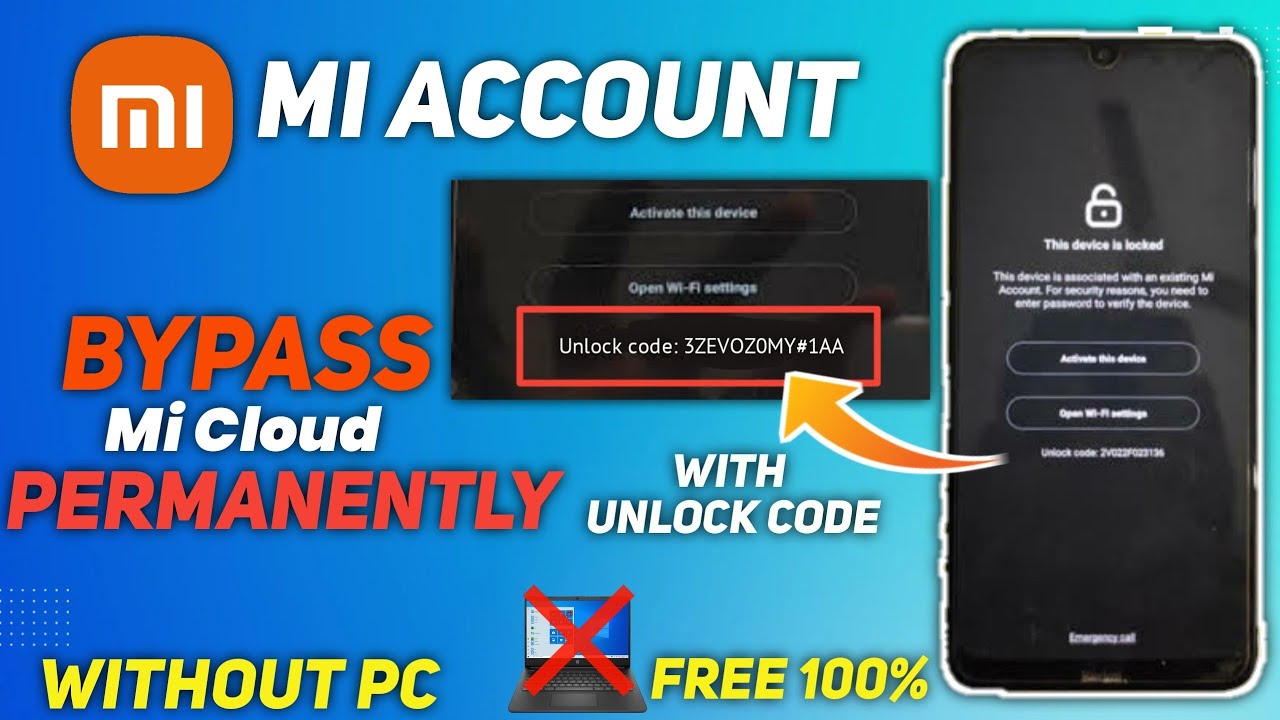
We've all been there: staring at our phone's lock screen, a sudden blank where a familiar pattern or password used to be. Whether it's a forgotten PIN, a misremembered pattern, or the daunting challenge of a Mi Account lock after a factory reset, a locked Android device can quickly turn from a convenience into a major headache. The feeling of being locked out of your own digital life is frustrating, especially when your device holds precious memories and vital information.
The good news is that you're not alone, and solutions exist to help you regain access to your device. While the quest for a permanent, PC-free unlock method is strong, sometimes a robust, reliable tool is what truly gets the job done. In this post, we'll dive into the world of Android lock screen and Mi Account bypass, exploring common challenges and highlighting effective approaches to help you unlock your device.
The Challenge of Locked Android Devices
Modern Android smartphones, particularly those from manufacturers like Xiaomi (Mi, Redmi, POCO), come with advanced security features designed to protect your data. While these features are essential for privacy and theft deterrence, they can become a barrier if you forget your credentials or acquire a device that's still linked to a previous owner's account.
Common scenarios leading to a locked device include:
- Forgetting your screen lock (pattern, PIN, password).
- A child or someone else accidentally changing your screen lock.
- Performing a factory reset without first removing your Mi Account or Google account, leading to a Mi Account lock or Factory Reset Protection (FRP) lock.
- Purchasing a second-hand phone that is still tied to the previous owner's Mi or Google account.
These locks can render your phone unusable, making it crucial to find a safe and effective way to bypass them.
Understanding Mi Account and Android Screen Locks
Before diving into solutions, it's helpful to understand the different types of locks you might encounter:
- Android Screen Locks: These are the most common locks, including patterns, PINs, passwords, fingerprints, and facial recognition. They protect your device from unauthorized access when it's actively in use or asleep.
- Mi Account Locks: Specific to Xiaomi devices, a Mi Account lock is a security feature that links your phone to your Mi Account. If your device is factory reset without logging out of the Mi Account, it will require the Mi Account credentials to activate again. This is similar in concept to Apple's iCloud lock.
- Factory Reset Protection (FRP Lock): This is a Google security feature on Android devices. If a device is factory reset without removing the associated Google account, it will require that Google account's credentials to set up the device again. While not the primary focus here, it's a related common lock.
Bypassing these locks without the correct credentials typically requires specialized methods, as standard factory resets often only trigger the Mi Account or FRP lock, not remove it.
Navigating Lock Removal: The Role of Dedicated Software
While the allure of a "permanently free, without PC" solution is strong for many users, the reality for complex security locks often points towards the reliability of dedicated software tools. These professional solutions are designed to safely interact with your device's firmware and bypass intricate security protocols that manual or basic methods simply cannot handle.
One such tool frequently mentioned in the context of Android lock removal is Wondershare Dr.Fone. Dr.Fone offers a comprehensive suite of mobile tools, including a powerful feature for removing various Android lock screens. It's designed to:
- Bypass various screen lock types: pattern, PIN, password, and fingerprint.
- Support a wide range of Android devices and brands.
- Provide a user-friendly interface that guides you through the unlock process, often with just a few clicks.
While the video title suggests methods "without PC," tools like Dr.Fone represent a robust and often more successful approach for tackling stubborn Mi Account and Android lock screens, leveraging a computer's processing power and specialized software algorithms.
Important Considerations for Device Unlocking
When attempting to bypass any lock on your Android device, it's crucial to proceed with caution and awareness:
- Data Loss: In most lock bypass scenarios, especially those involving factory resets or deep system modifications, data on your device is likely to be wiped. Always assume data loss is a possibility and ideally back up your device beforehand if possible (though often not an option if locked).
- Device Ownership: Only unlock devices that you legitimately own or have permission to unlock. Attempting to bypass security features on a stolen or found device is illegal and unethical.
- Tool Reliability: Choose reputable software and follow instructions carefully. Using unverified tools or procedures can potentially brick your device or expose it to malware.
- Manufacturer Warranties: Be aware that some unlocking procedures might void your device's warranty.
These considerations are important for a safe and responsible unlocking experience.
Conclusion
Dealing with a locked Android device, whether it's an impenetrable Mi Account lock or a forgotten screen password, can be incredibly stressful. While the search for simple, free, and PC-free solutions is understandable, the most reliable path to regaining access often involves utilizing professional-grade software designed specifically for these challenges.
Tools like Wondershare Dr.Fone offer a practical and effective way to bypass various Android lock screens, helping users reclaim control over their devices. By understanding the nature of these locks and choosing a trusted method, you can navigate the complexities of device unlocking and get back to using your smartphone without the looming frustration of being locked out.


.png)
.png)


Follow Us